Purchase readiness
Capture the request, check required fields and bring stock context into the approval view. Missing supplier or budget information returns to a named owner.

Solution workflow
Create a shared inventory view with shortage alerts, replenishment checks and exception ownership.
Create a shared inventory view with shortage alerts, replenishment checks and exception ownership.
The work, in detail
Stock records can diverge across stores, warehouses and sales channels, delaying corrective action.
Agree the operating rules first, then introduce automation in reviewable stages.
Use connect inventory movements across agreed sources within the agreed scope of intelligent inventory management systems. Define the responsible owner, the relevant source records and the checks that make the output useful.
Use apply reorder and discrepancy rules within the agreed scope of intelligent inventory management systems. Define the responsible owner, the relevant source records and the checks that make the output useful.
Use route stock exceptions to the responsible team within the agreed scope of intelligent inventory management systems. Define the responsible owner, the relevant source records and the checks that make the output useful.
Product identifiers, location records, stock policies and reconciliation rules before automation is introduced.
Compare representative examples with the current process. Review exceptions, correction effort, source traceability and handoff quality before expanding scope.
What takes shape
Final scope is agreed after discovery. These are the working outputs we can shape around your context.
Define the records, permissions and interfaces needed for connected inventory view. Review a working example with the process owner before widening scope.
Connect shortage and discrepancy alerts to a named reviewer and an action path. Include empty states, incomplete records and recovery behaviour in acceptance checks.
Document the production, review and maintenance of replenishment review queue. Keep the handover practical for the people supporting the system.
A connected delivery path
Establish the source records and the intended result. For Intelligent Inventory Management Systems, confirm the input quality and permission boundaries before processing.
Connect the approved sources and apply the task-specific checks. Keep missing information and uncertain results visible for review.
Review representative outputs and exceptions with the accountable owner. Agree what may proceed and what requires correction or escalation.
Prepare for a useful conversation
Bring representative product identifiers and location records. Use synthetic or approved records when exploring the workflow; agree handling rules before live data is introduced.
Identify the business owner and the people who will use or review the output. For Intelligent Inventory Management Systems, confirm who can approve changes and resolve exceptions.
Describe what works today, where it breaks down and how the proposed workflow will be reviewed. Compare quality and correction effort as well as speed.
Buying, receiving and reconciliation
A purchasing workflow is only as useful as its exception handling. Link requests, quotations, orders, receipts and invoices without hiding mismatches or removing approval ownership.
Capture the request, check required fields and bring stock context into the approval view. Missing supplier or budget information returns to a named owner.
Prepare comparisons and follow-up drafts using approved commercial rules. A buyer reviews commitments, substitutions and changes to terms.
Compare purchase orders, goods receipts and invoice lines. Show quantity, price and tax differences with the supporting record before finance decides what happens next.
Define success before delivery
Choose a representative sample, record the current baseline and agree who accepts the result. These are evaluation criteria to discuss, rather than promised outcomes.
Match quality on representative invoice lines
Age and ownership of unresolved exceptions
Duplicate records, correction effort and review time
Supplier commitments and payment release require explicit authorisation. Missing evidence must remain visible rather than being inferred into a completed transaction.
Inside Intelligent Inventory Management Systems
Approved source material
Integration scope to confirm
Outputs to agree in discovery
From the project library
Explore the product patterns and operating context relevant to intelligent inventory management systems. Each profile explains its own scope and stage; adjacent examples do not imply the same solution has already been delivered.

Prototype · AI concept visualization · project scope
A governed workflow adds purchasing context, compares suppliers and pauses for approval before creating a purchase-order draft.
Vendor comparison and purchase preparation need consistent evidence while preserving human approval authority.
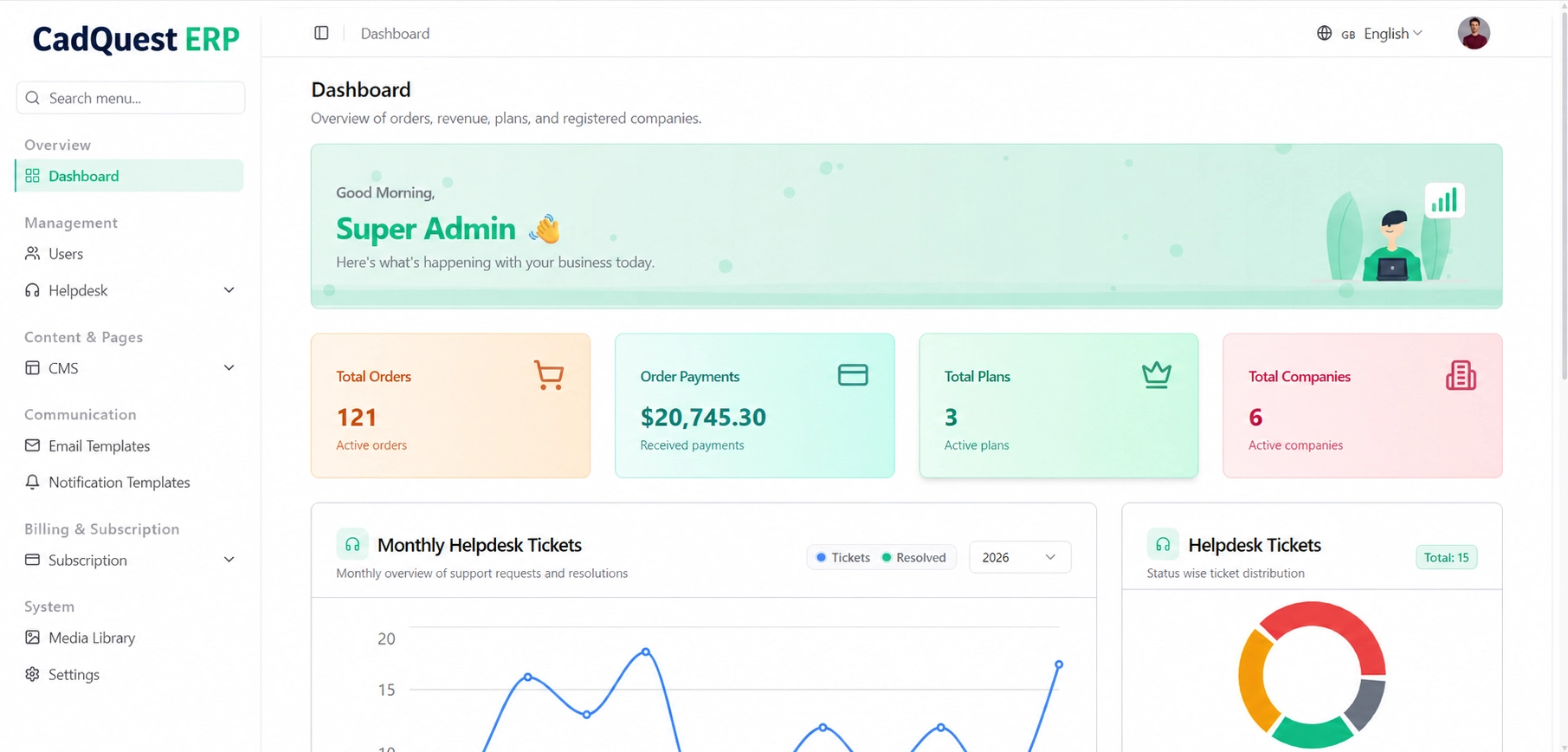
Application · CadQuest ERP · branding-edited preview
A Laravel ERP source tree groups commercial, accounting, employee and project modules around shared business records.
Finance, HR, sales and project records become fragmented when departments use separate spreadsheets and tools.
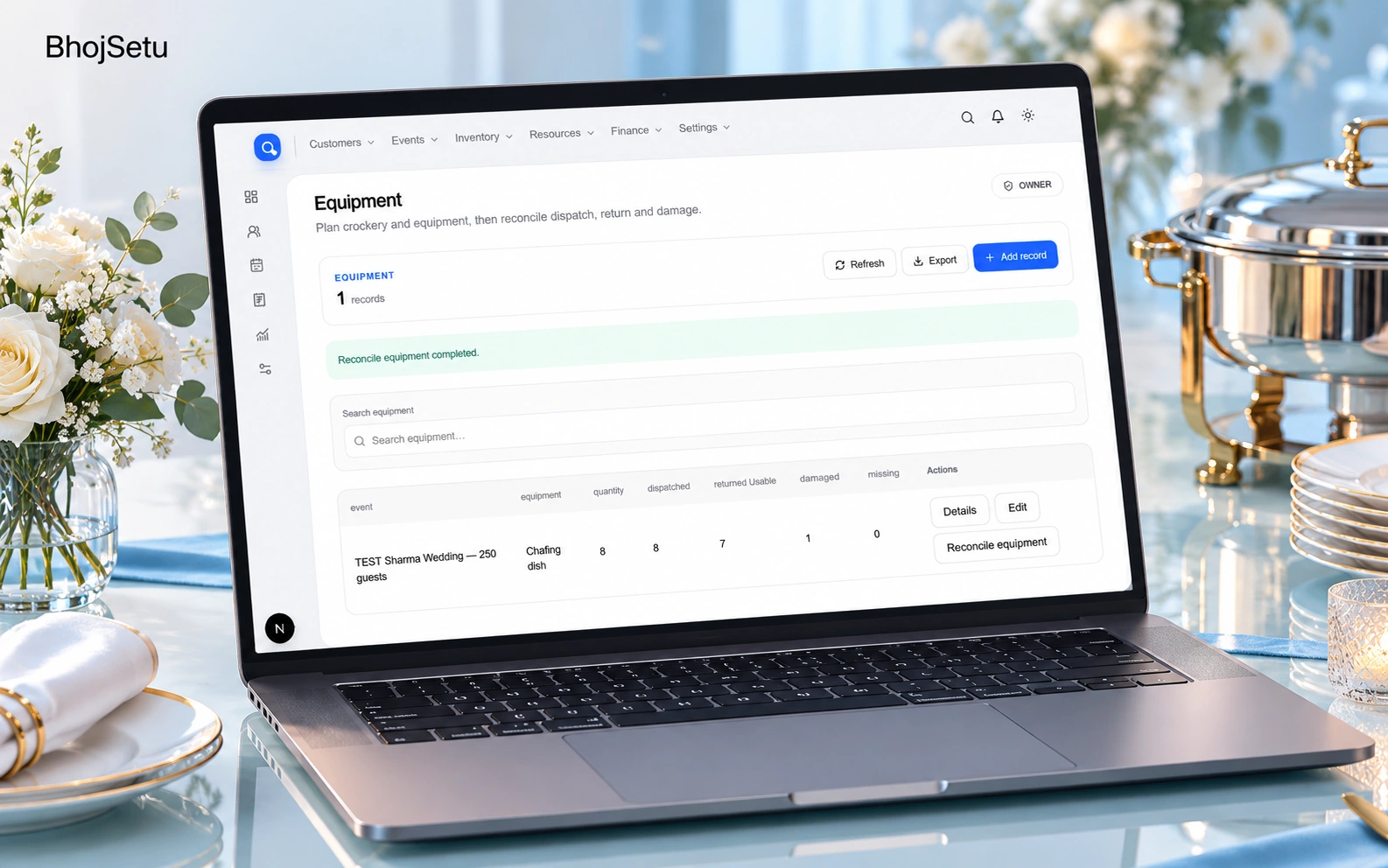
Pilot · AI presentation artwork · screen reference
A connected catering workspace brings bookings, menus, recipe scaling, procurement, workers, equipment and billing into one flow.
Catering teams repeat event, menu, quantity and payment data across disconnected operational steps.
Project profiles describe their available scope and development stage. Interface captures, documentation and workflow concepts are labelled separately; they are not claims of measured business results.
Before we begin
Start with the current task, its owner and the systems involved. Representative product identifiers, location records, stock movements, reorder rules help us assess scope. A finished technical brief is not required.
Scope is agreed after discovery. A useful starting point is connected inventory view, with the essential review path and an acceptance check. Shortage and discrepancy alerts and Replenishment review queue can follow where the operating case supports them.
We assess erp exports and apis, document storage, email and purchasing systems for permitted access and usable interfaces. Integration feasibility, data quality and ownership are confirmed before implementation commitments.
Agree examples, failure cases and acceptance criteria before the build. Review source traceability, correction effort, access boundaries and the handover into everyday operations. We do not promise a fixed saving or performance figure before that assessment.